
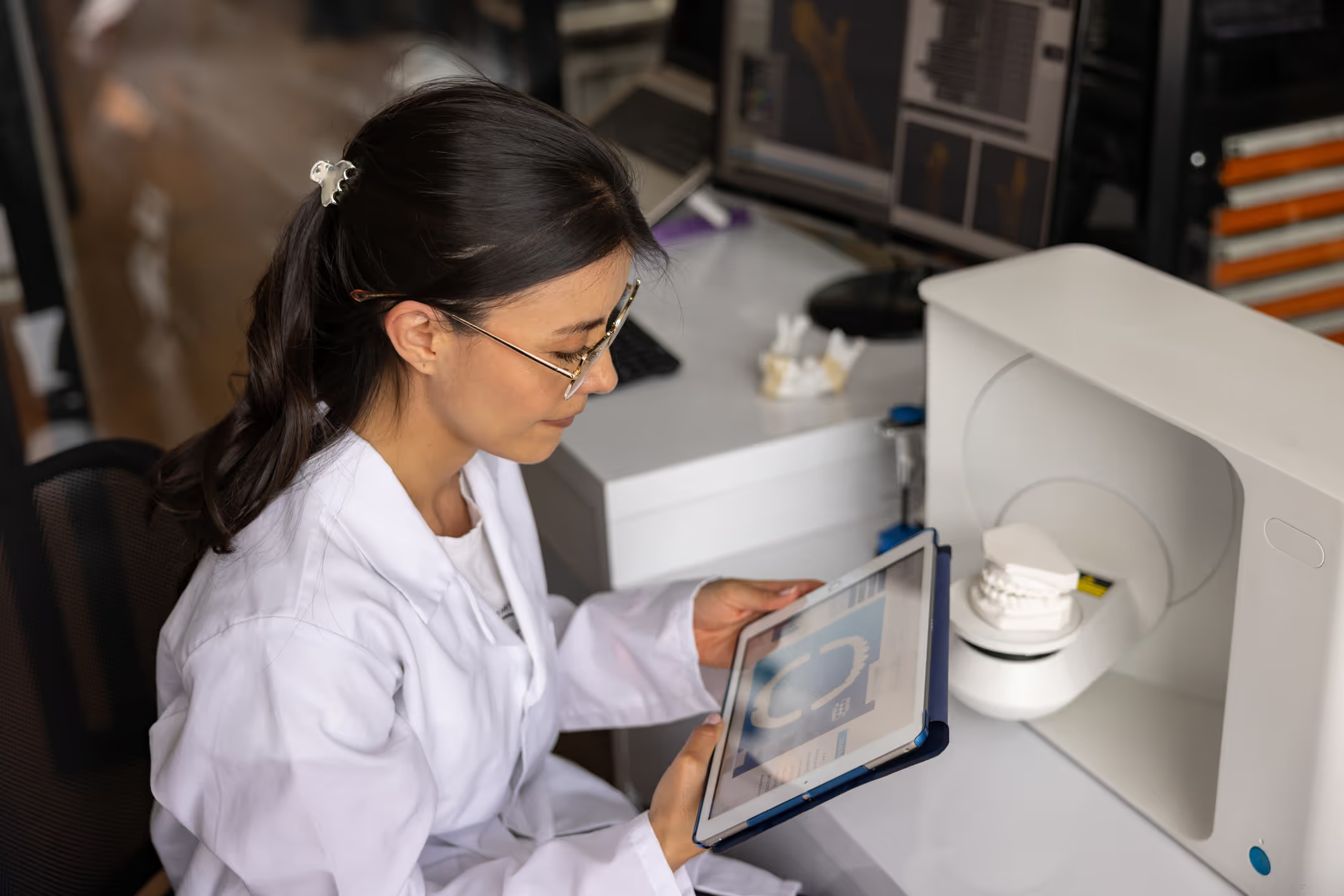
Lab Day Chicago is one of the best times of the year to compare dental lab software side-by-side. Even if you’re not attending in person, you can still use “Lab Day week” to pressure-test your current workflows, collect pricing and implementation details, and make a confident software decision.
This page gives you a clear, lab-first framework for evaluating dental laboratory software, plus a buyer checklist you can use during demos, calls, and internal reviews.
Want a guided evaluation and a lab-specific demo? Request a Magic Touch demo.
Who this is for:
- Lab owners and managers comparing systems for the first time
- Production leads who need fewer bottlenecks and clearer handoffs
- Admin and billing teams tired of manual invoices, AR follow-up, and duplicate data entry
- Any lab planning growth, a workflow reset, or a move away from spreadsheets
Software isn’t the goal. Predictable production, fewer remakes, faster turnaround, and cleaner billing are the goal.
A solid platform should help your lab:
- Reduce “where is this case?” interruptions
- Catch bottlenecks earlier
- Standardize steps without slowing technicians down
- Protect margin by controlling rework, rushes, and missed charges
- Keep customers informed without endless phone calls and emails
The Lab Day Chicago 2026 Evaluation Framework
Use these 6 categories to compare vendors apples-to-apples.
1) Workflow Fit and Production Control
Ask: “Can we run the lab the way we actually run the lab?”
Look for:
- Configurable steps that match your departments (scan, design, mill, finish, QC, ship)
- Clear ownership per step, with timestamps and accountability
- Priority rules for rush, redo, and VIP accounts
- Real-time visibility across the floor without hunting through screens
Red flags:
- The system “assumes” a generic workflow and forces workarounds
- Status changes are manual, inconsistent, or easy to skip
- Only one person can understand the setup
2) Case Tracking That Reduces Interruptions
The best case tracking doesn’t just show a status; it prevents the status question.
Look for:
- Case timeline, notes, and attachments in one place
- Search that works the way your team thinks (doctor, patient, due date, barcode, ticket)
- Alerts for late cases, missing info, and stalled steps
- Easy rework handling without breaking reporting
Demo prompt:
- “Show me how a CSR answers a ‘where is it?’ call in under 20 seconds.”
- “Show me how a manager spots bottlenecks before they become late cases.”
3) Billing and Invoicing
If you can’t bill cleanly, you can’t scale.
Look for:
- Automatic charge capture tied to case details
- Flexible pricing rules (doctor pricing, volume tiers, rush fees, remake policy)
- Clean invoices, statements, and aging reports
- Payment workflows that don’t require three tools and a spreadsheet
Red flags:
- Invoicing relies on manual edits or “we export to Excel”
- Aging is unreliable or requires separate systems
4) Integrations and Data Flow
A modern lab uses multiple tools. Your software should reduce duplicate entry.
Look for:
- Practical integrations you’ll actually use (accounting, shipping, scanners, portals)
- Simple import/export for customers, pricing, and cases
- A plan for data migration that doesn’t gamble your history
Demo prompt:
- “What’s the most common integration your labs use, and what breaks first?”
- “Show me how you handle customer-specific pricing without manual work.”
5) Reporting That Helps You Make Decisions
Reports should answer questions like:
- Where are we losing time this week?
- Which products drive margin, and which drive headaches?
- Which accounts generate the most rework?
- How accurate are our due dates vs actual ship dates?
Look for:
- Production load visibility by department
- On-time performance and cycle-time reporting
- Remake/rework tracking by reason
- AR and revenue reporting that matches reality
Red flags:
- Reporting is “coming soon” or requires custom work for basics
- Data can’t be trusted across departments
6) Implementation, Training, and Change Management
This is where “good software” succeeds or fails.
Look for:
- A clear implementation plan with milestones
- Training for each role (front office, production, managers, billing)
- Documentation your team can use after go-live
- A support model that fits your lab’s hours and urgency
Ask directly:
- “What does week 1 look like?”
- “What is the most common reason implementations fail, and how do you prevent it?”
Typical Cost Ranges and Implementation
Every lab is different, but your evaluation should include these realities:
Typical Cost Ranges (What to Ask)
Request pricing in three buckets:
- Software subscription or license
- Implementation and training
- Ongoing support, upgrades, add-ons, and integrations
Ask the vendor to provide:
- A “best estimate” monthly total for year 1
- What changes the price as you grow (users, locations, volume, modules)
Time to Implement
A credible vendor should be able to explain:
- Timeline to configure workflow and pricing
- Timeline to migrate customer and case history (if applicable)
- The point at which your team can run live cases confidently
- What you can do now to speed up go-live (data cleanup, pricing rules, roles)
Data Migration and Training Time
Don’t accept vague answers.
Ask:
- Exactly what data migrates, what doesn’t, and why
- How you validate accuracy before go-live
- How many training sessions, for how long, and for which roles
If You’re Evaluating Vendors From Home...
You can still make Lab Day week productive without attending:
- Build your checklist (use the one above).
- Schedule 2–3 vendor demos in the same week.
- Ask every vendor for the same artifacts: pricing sheet, implementation plan, support model, sample reports.
- Run a short internal review: what problems must be solved in the next 90 days?
- Pick the best fit, then negotiate based on real implementation needs.
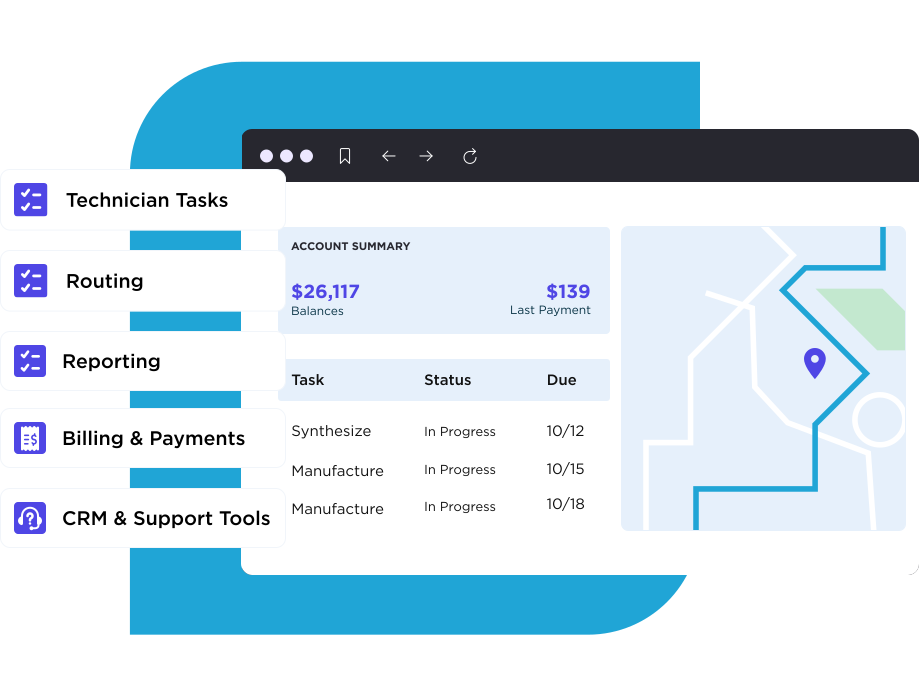
Why Many Labs Choose Magic Touch
Magic Touch is built for dental labs that want fewer bottlenecks, clearer case visibility, and cleaner billing.
